FluidScene

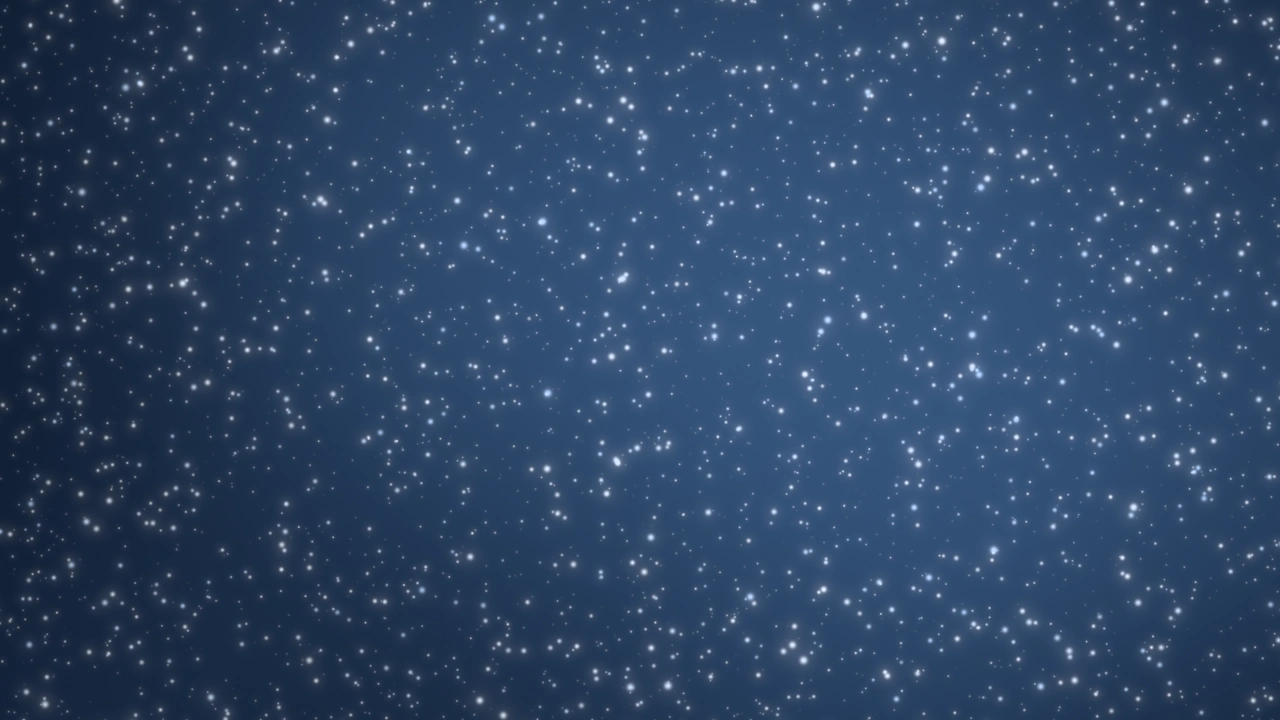
Animated snow background

Soft flakes against a blue winter dusk. Set how hard it snows and take the clip with you.

Style

Preset

Photo

No photo

Your photo stays on this device. Drop a file here or upload one.

Colors

4,008
120%
80%
145%
Advanced options
30%
0%
260°
10%
10%
Preset file

Where it works best

Falling snow gives a winter mood to holiday greetings, seasonal intros, countdown screens and stream scenes. The flakes are soft and the sky is plain, so titles stay readable in front of it.

How to adjust it

Amount takes you from a few flakes to a heavy snowfall, and Size brings the snow closer to the camera. Lower Speed for a still night. In Advanced options, Direction tilts the fall as if there were wind, Turbulence makes the flakes wander, and Out of focus softens them. For a night scene, darken Background and Backlight.

How to use the clip

In OBS, add the file as a Media Source, tick Loop and keep it under your camera and text. In Premiere Pro, DaVinci Resolve or CapCut, import the MP4, put it on the bottom track and repeat it to the length of your scene.
Questions

Can I put the snow over my own photo?

Yes. Upload a picture under Photo, for example a winter street at night, and the snow falls over it. Photo brightness and Photo blur keep the flakes readable; Advanced options crop and move the photo. It never leaves your device.

Can I put the snow over my own footage?

There is no transparent export yet. Set Background and Backlight to black, download the clip, place it above your footage and choose the Screen blend mode.

Will the loop show a jump?

Seamless loop is on from the start, so the last frame flows into the first. If your player leaves a gap between repeats, make a longer clip, up to 60 seconds.

Which sizes can I download?

720p or 1080p at 30 or 60 frames per second, in 16:9, 9:16, 1:1 or 4:5.

Snow & Stardust presets

Other backgrounds