Where it works best
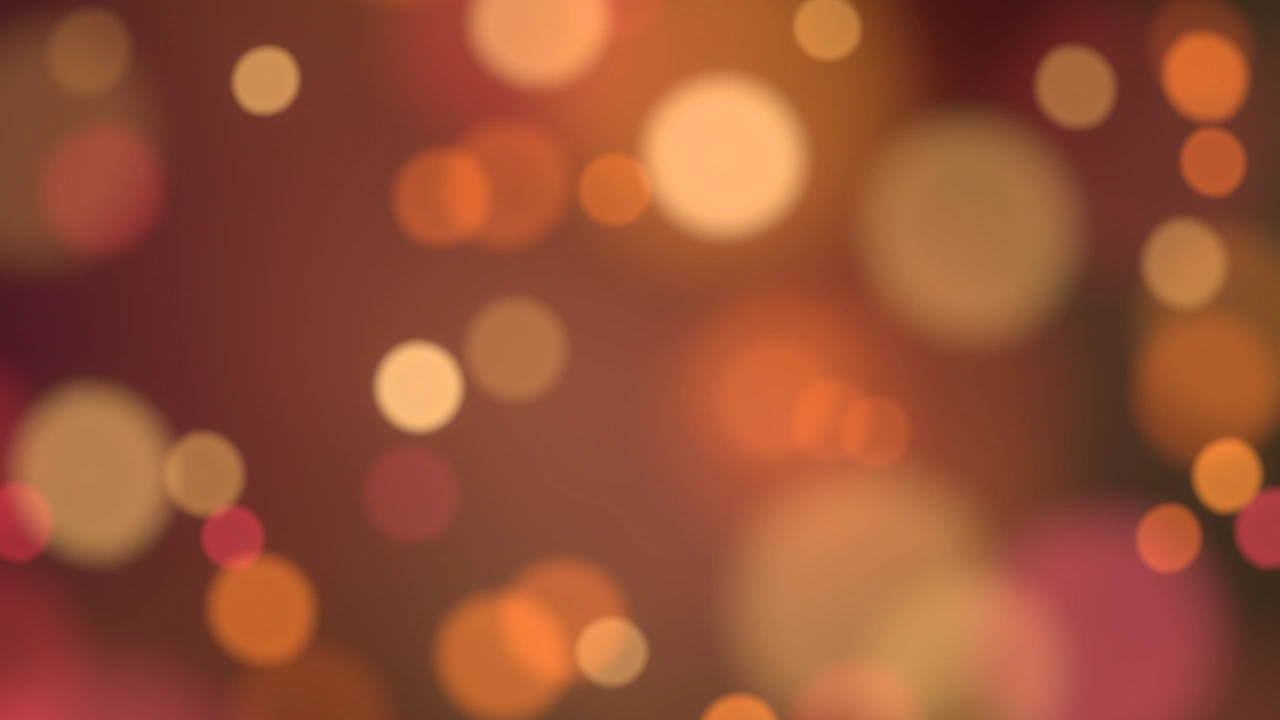
Soft lights make an evening mood behind interviews, music videos, event teasers and quotes. They also hide the fact that there is no real set: the viewer reads them as a blurred room or a street far behind you.
How to adjust it
Change the three light colors to match your subject, or start from Christmas, Soft Pastel or Blue Studio below. Fewer, larger lights look like a close lens; many small ones look like a skyline. In Advanced options, Soft edges and Rim decide how crisp each disc is, and Haze adds a glow between them.
How to use the clip
Download the MP4 and lay it under a cut-out speaker or a title in Premiere Pro, DaVinci Resolve or CapCut. In OBS, use it as a Media Source with Loop ticked, below a camera with background removal. For vertical video, switch to 9:16 before you download, so nothing has to be cropped.