Where it works best
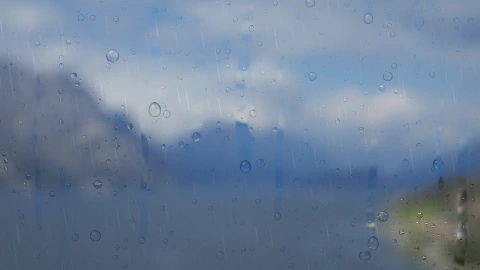
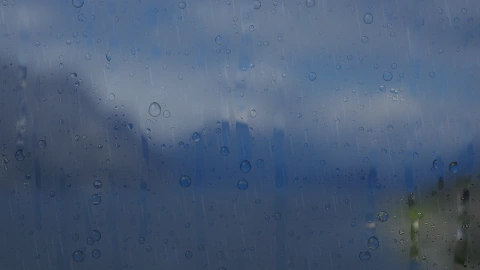
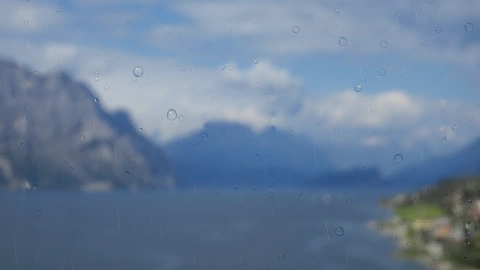
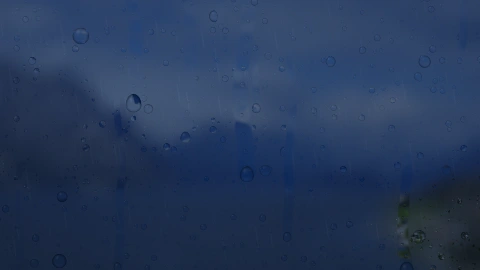
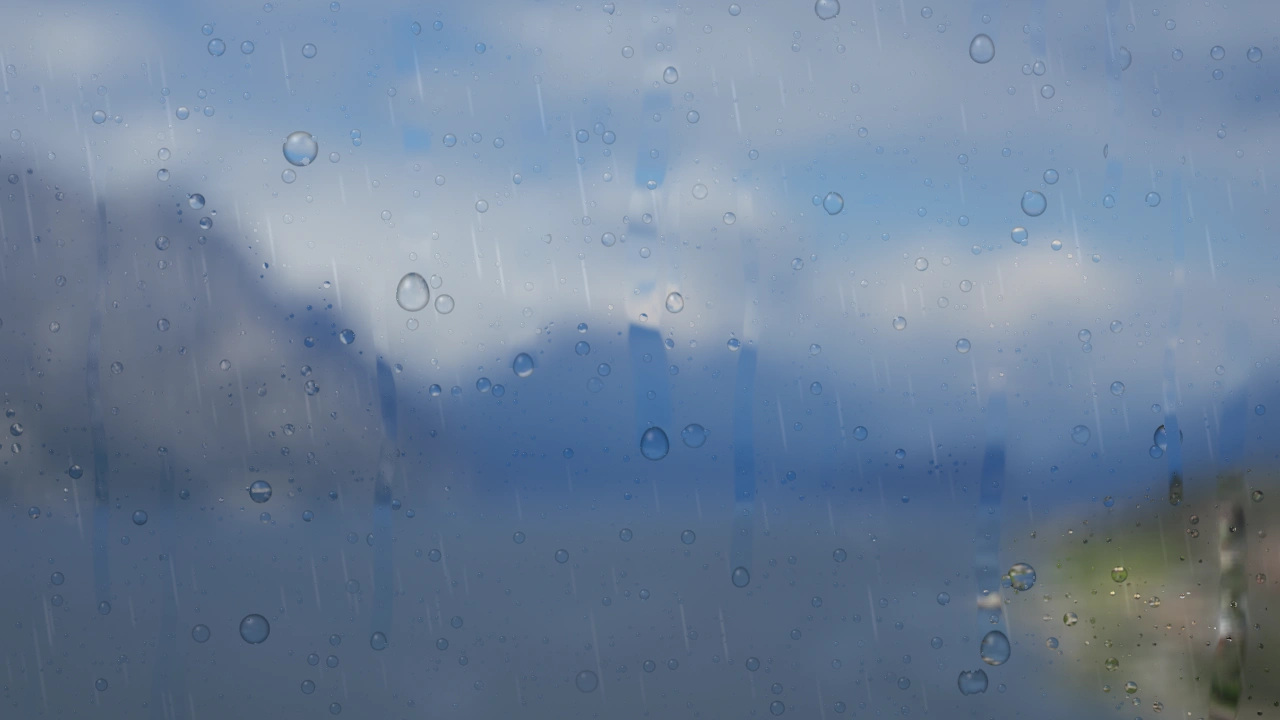
A rainy window sets a calm, thoughtful mood: lo-fi music streams, study and focus videos, podcast intros, reading channels and quotes. The glass is blurred, so text placed on top stays easy to read, and the drops keep the frame alive without pulling attention away from it.
How to adjust it
Glass blur decides how much of the scene behind the window you can make out, from a soft wash of color to recognizable shapes. Drops covers the glass with beads of water, and Running drops sets how many of them roll down, leaving clear trails. Start from Heavy Storm, Light Drizzle or Blue Evening below. In Advanced options, Condensation mists the glass, Falling rain adds streaks behind it, and Tint with Brightness turns a daylight photo into a grey afternoon or an evening scene.
How to use the clip
Night city lights, a street, a forest or a cozy room all work well behind the glass. Upload your own photo, pick the format and download the MP4. Use it in Premiere Pro, DaVinci Resolve or CapCut under titles or a speaker, or in OBS as a Media Source with Loop ticked. For vertical video, switch to 9:16 first and move the photo so the part you want stays in frame.